A budget gaming PC doesn’t have to mean a slow one. Every budget gaming PC on this page costs under £600, starts from £189, and is built, tested and dispatched in 2–3 working days with free tracked UK delivery and a 3-year parts and labour warranty.
-
Entry Level Gaming PC
The cheapest real Gaming PC in the UK. The Entry Level Gaming PC is…
Original price was: £215.£189Current price is: £189. -
Starter Gaming PC
A little more power, without a big jump in price. The Starter Gaming PC…
Original price was: £275.£240Current price is: £240. -
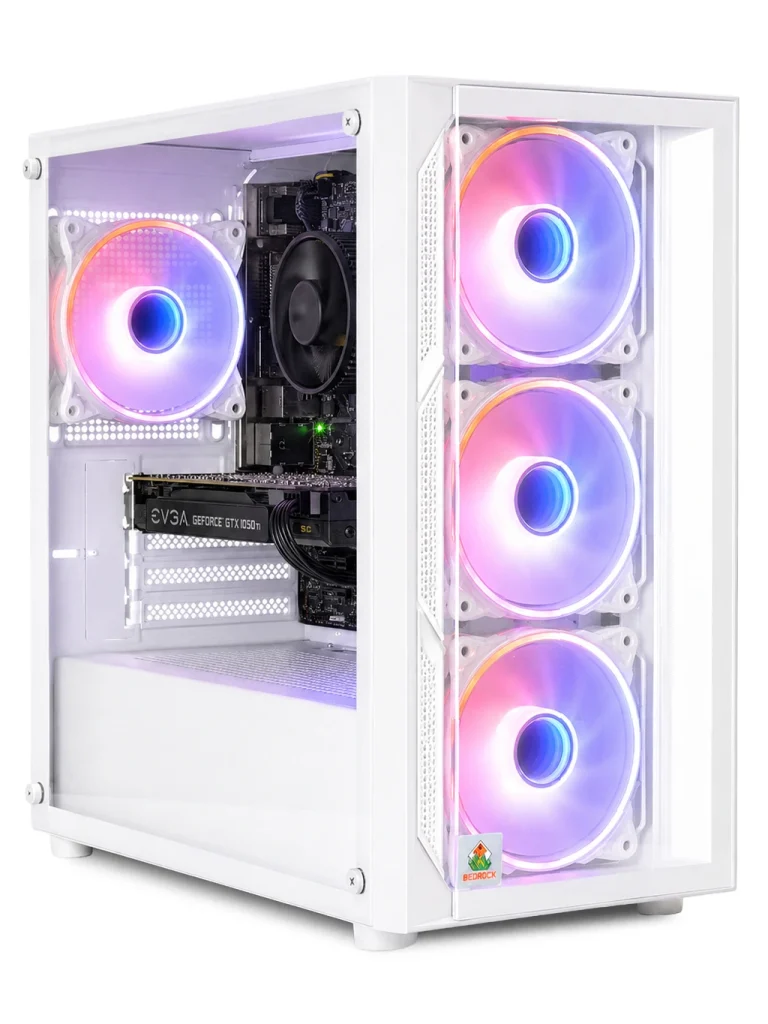
Bedrock Fluorite Gaming PC
Entry-level gaming with a little more polish. The Bedrock Fluorite is an accessible first…
£295 -
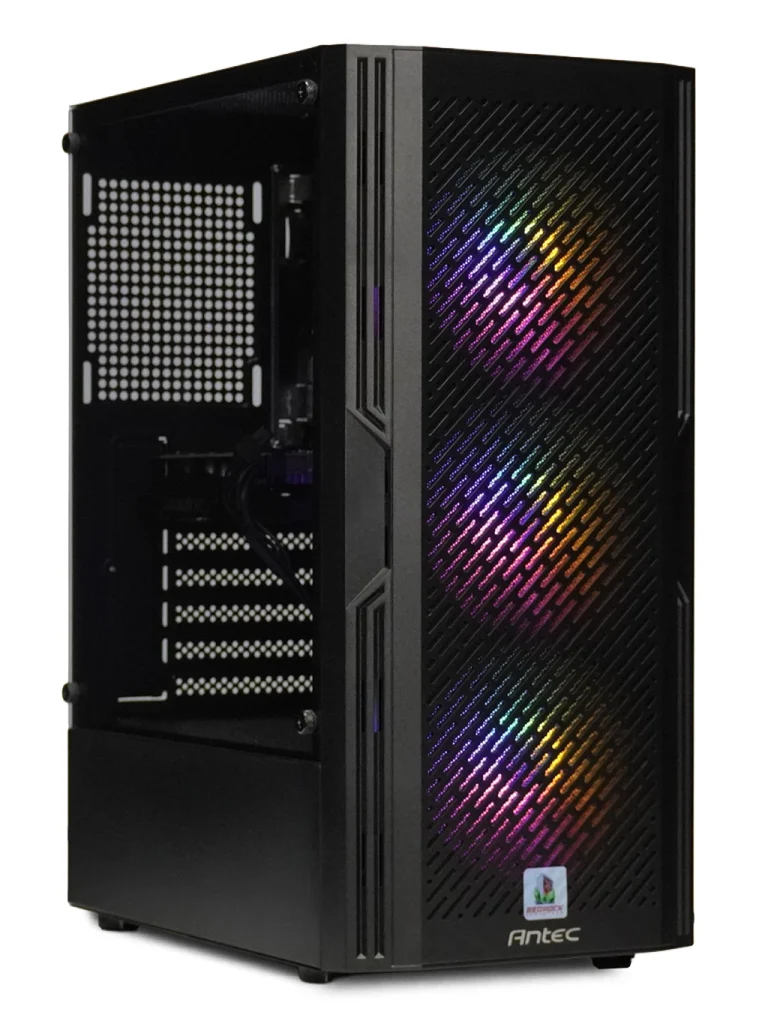
Carbon Gaming PC
Proper PC gaming, without the usual gaming PC price tag. Sitting near the top…
£295 -
Skyline Gaming PC
More graphics power for surprisingly little. The Skyline Gaming PC tops our Entry Level…
Original price was: £350.£325Current price is: £325. -
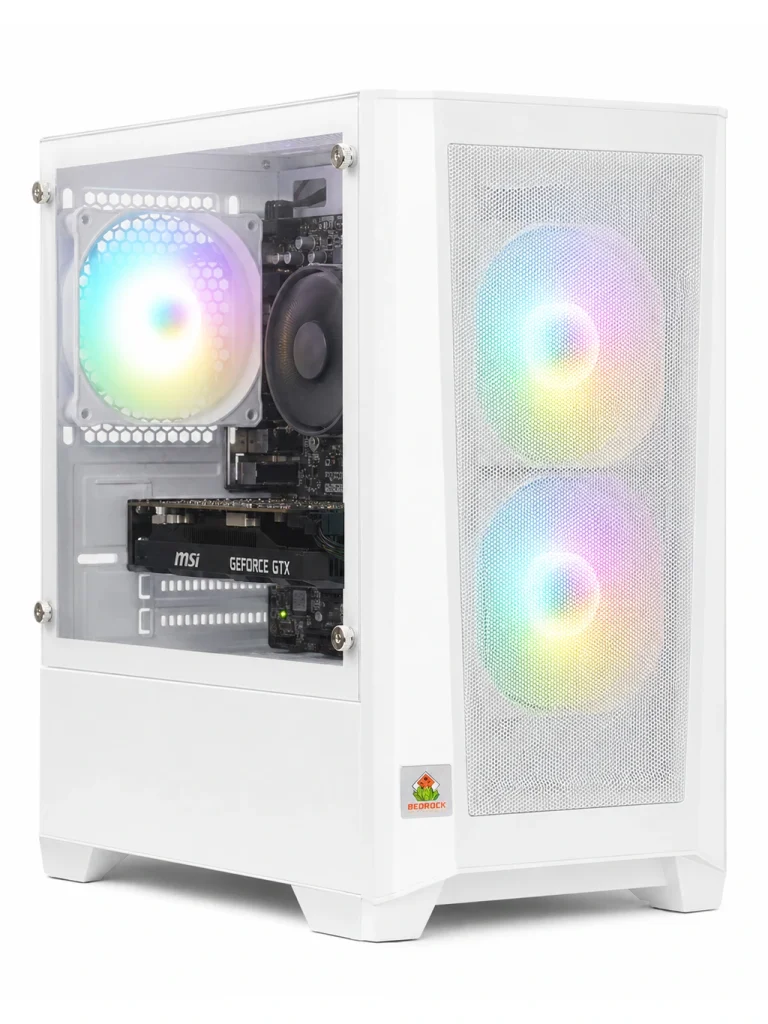
Vector Gaming PC
A smarter step up for everyday gaming. The Vector Gaming PC combines affordable 1080p…
£350 -
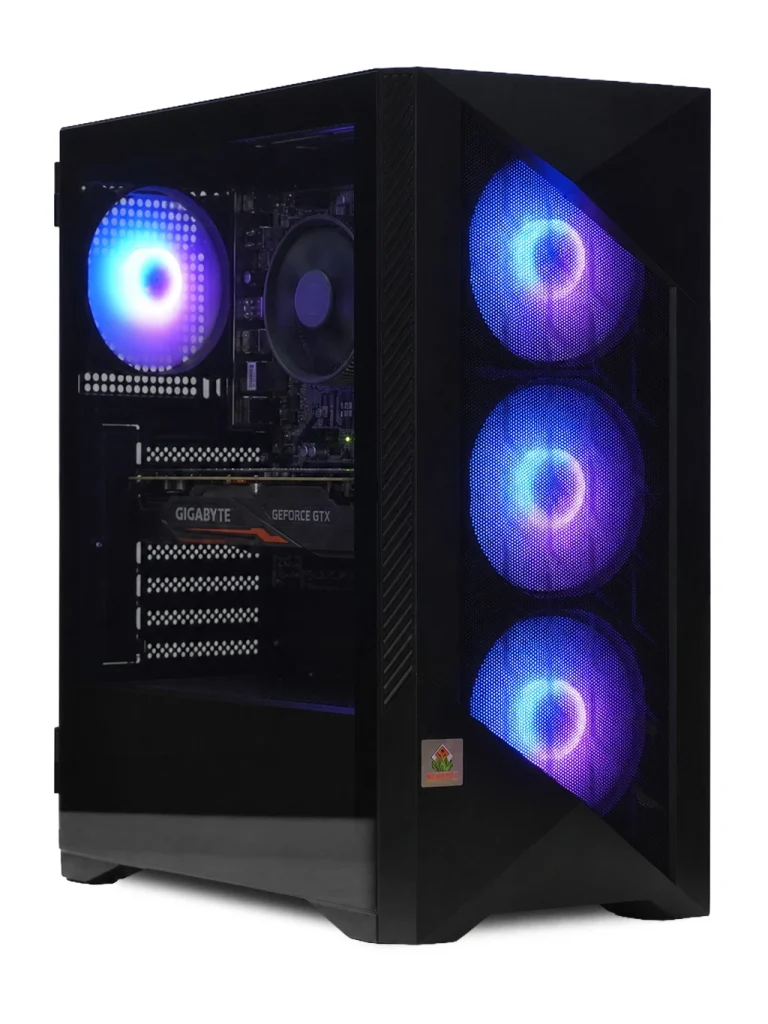
Racing Sim Gaming PC
Built for your first racing setup. One of our most affordable specialist PCs, with…
£365 -
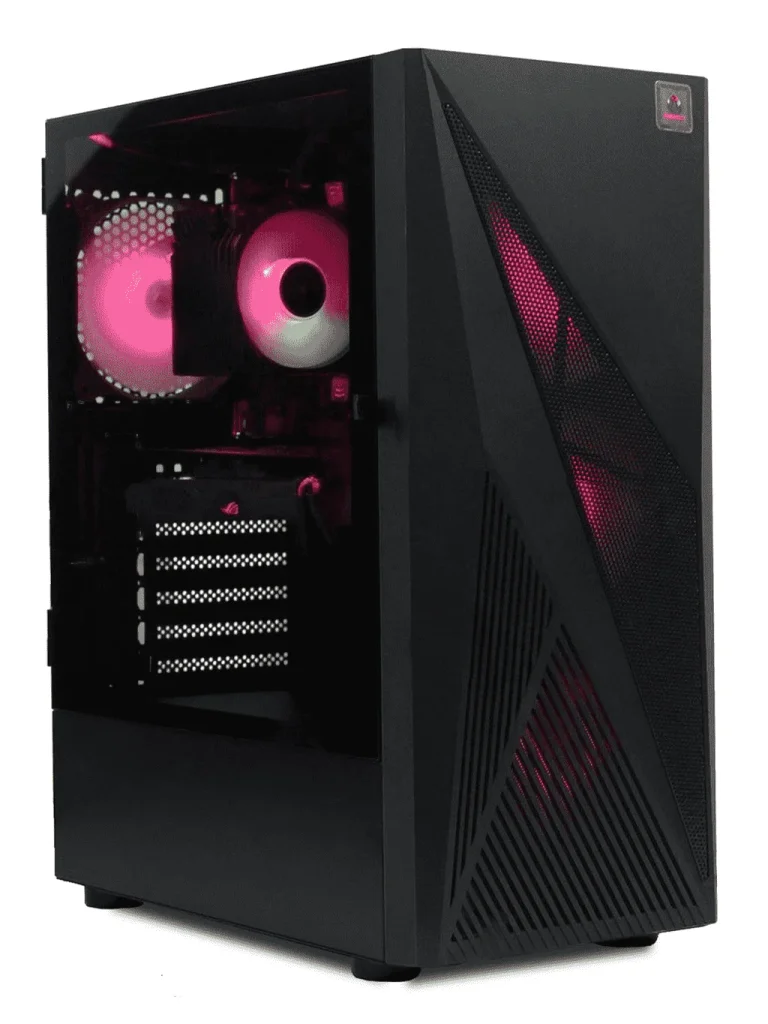
Bedrock Garnet Gaming PC
The first move beyond entry level. The Garnet delivers stronger, more versatile 1080p gaming for players ready…
£450 -
Apache Gaming PC
Serious 1080p gaming starts here. The Apache Gaming PC gives budget-conscious players the performance…
Original price was: £590.£525Current price is: £525. -
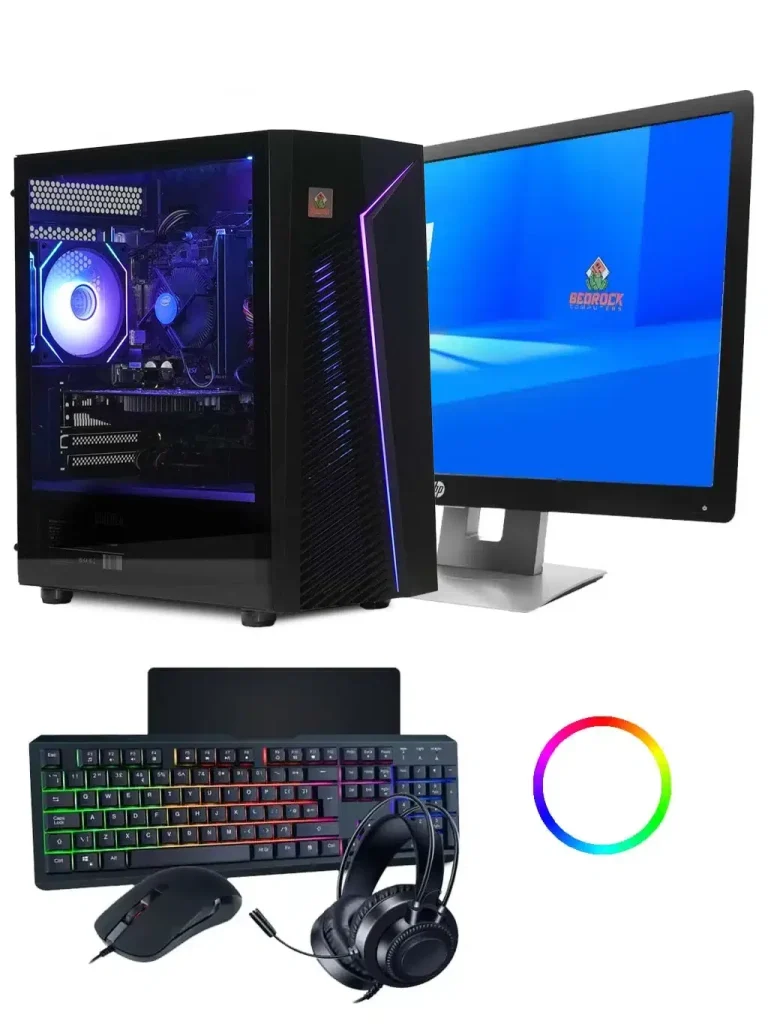
Budget Gaming PC Bundle
Everything you need to start gaming, at our lowest bundle price. A complete first…
£550 -
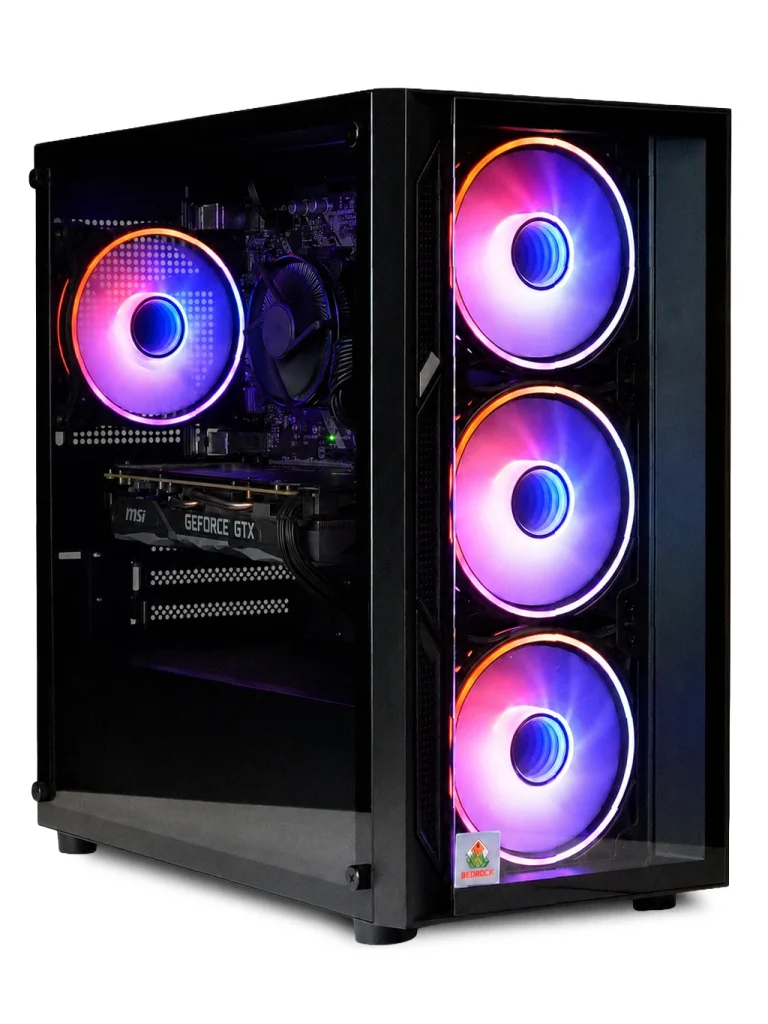
GeForce Gaming PC
High-value 1080p performance with plenty left in reserve. The GeForce Gaming PC is a…
£575 -
Bedrock Zircon Gaming PC
A sweet spot for 1080p gaming. The Bedrock Zircon Gaming PC brings noticeably stronger…
Original price was: £640.£590Current price is: £590.
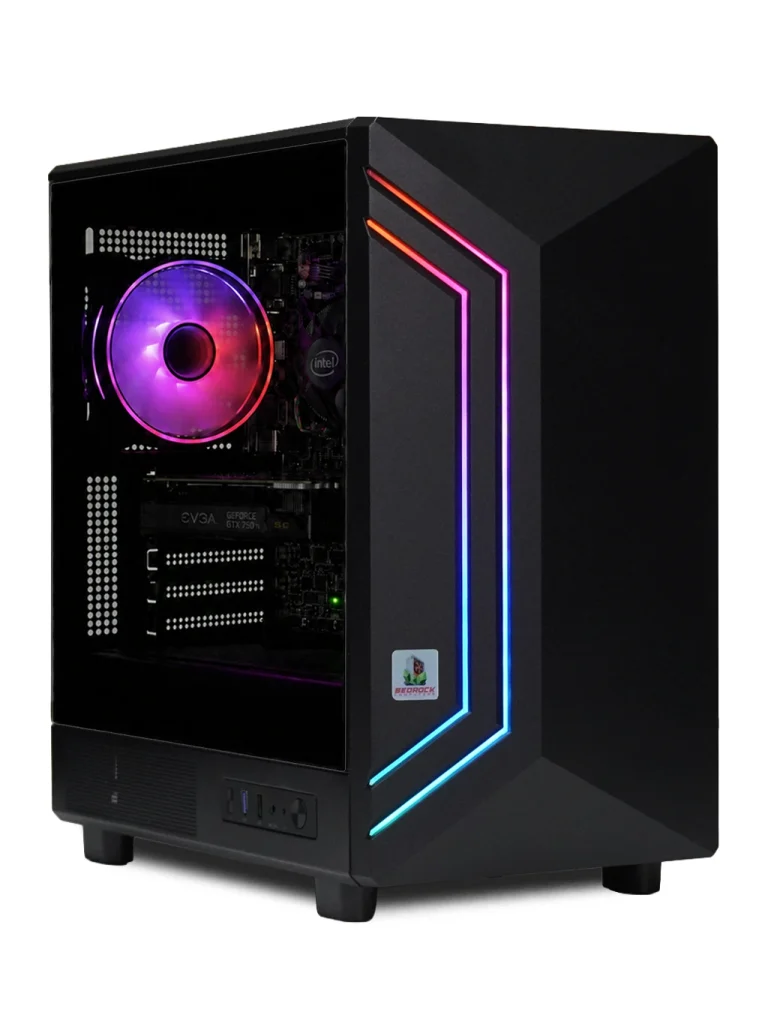
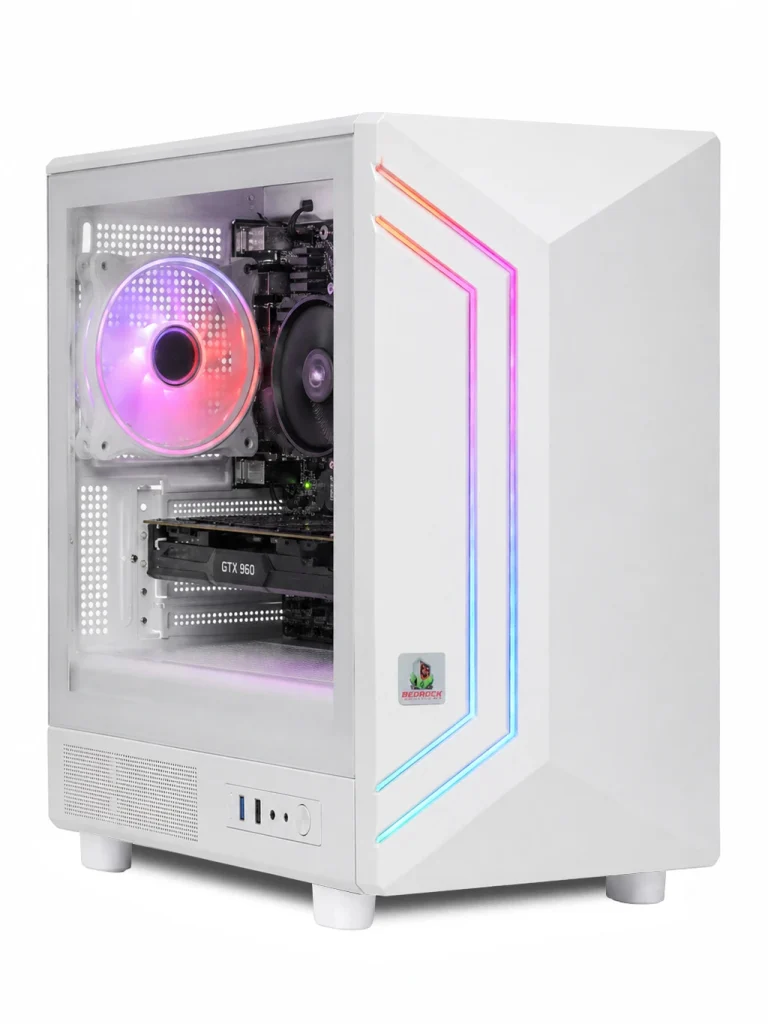
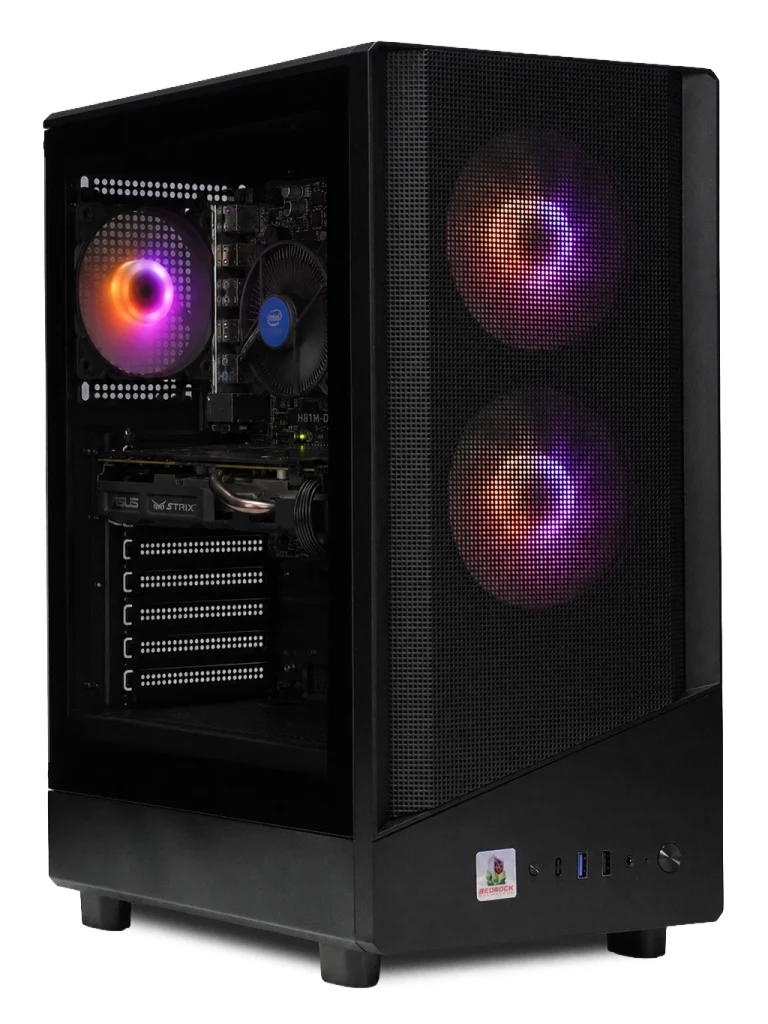
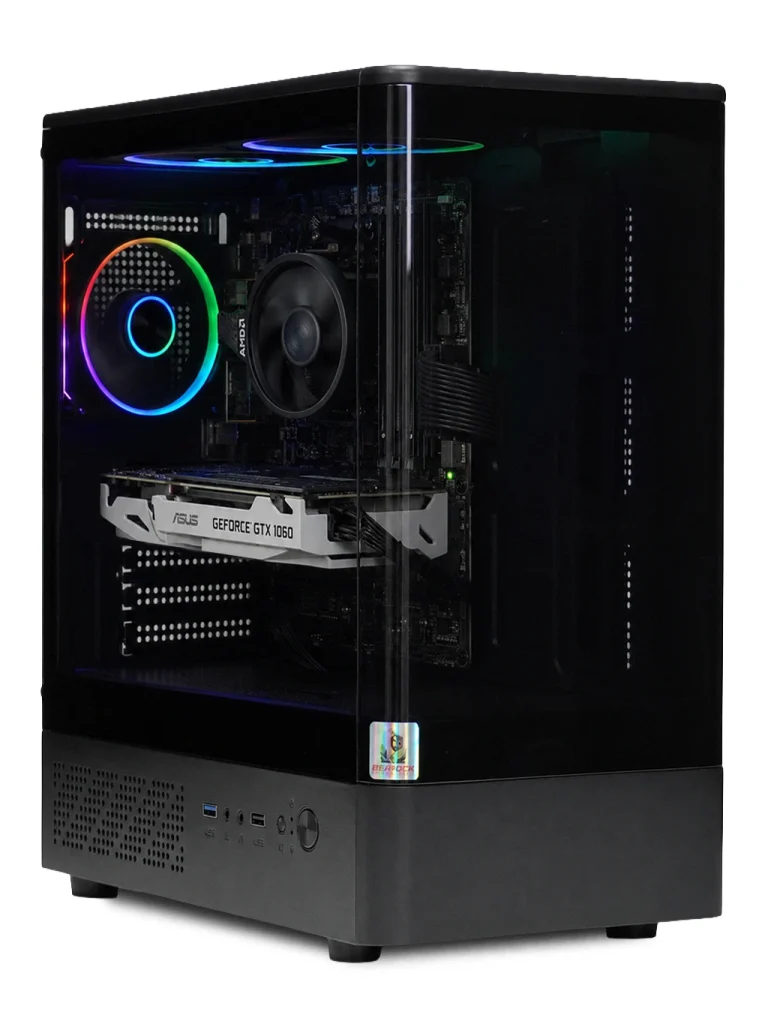
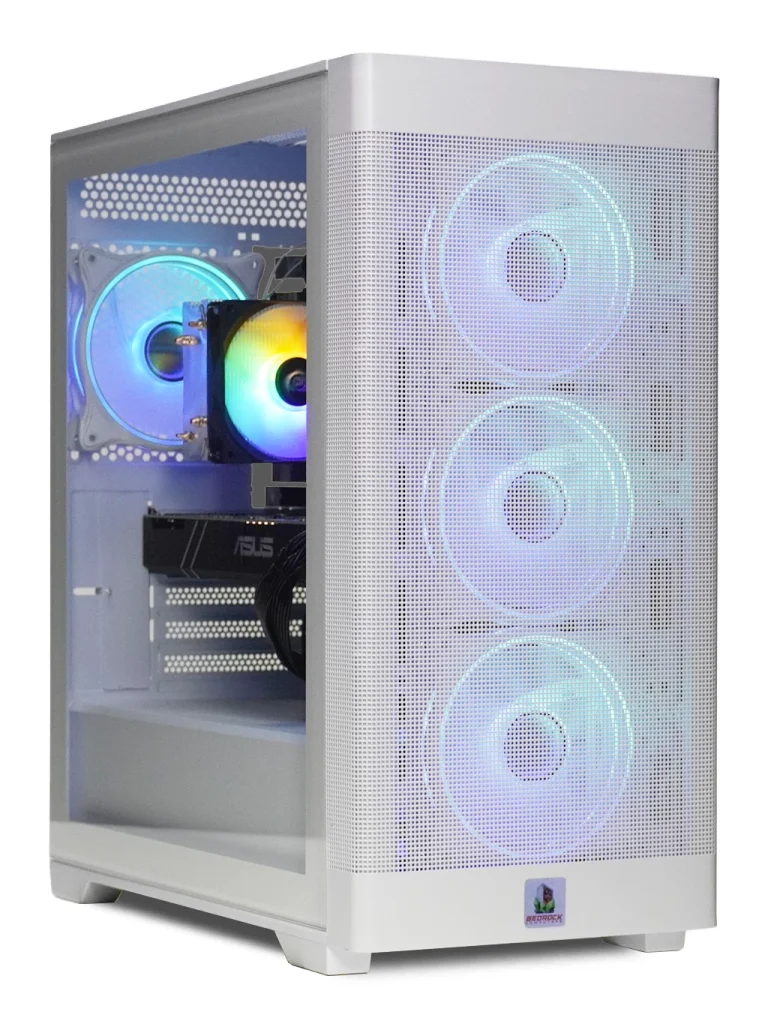
What is a budget gaming PC?
A budget gaming PC is a complete, ready-to-play desktop that focuses your money on the parts that matter most for gaming, rather than on flashy extras. It’s designed to run today’s most popular games smoothly at 1080p, without the price tag of a flagship machine.
For many players, that’s all they need. The biggest games in the world – Fortnite, Minecraft, Roblox, Rocket League and Valorant – are built to run well on modest hardware, so a well-chosen budget gaming PC can feel just as fun as a machine costing three times as much.
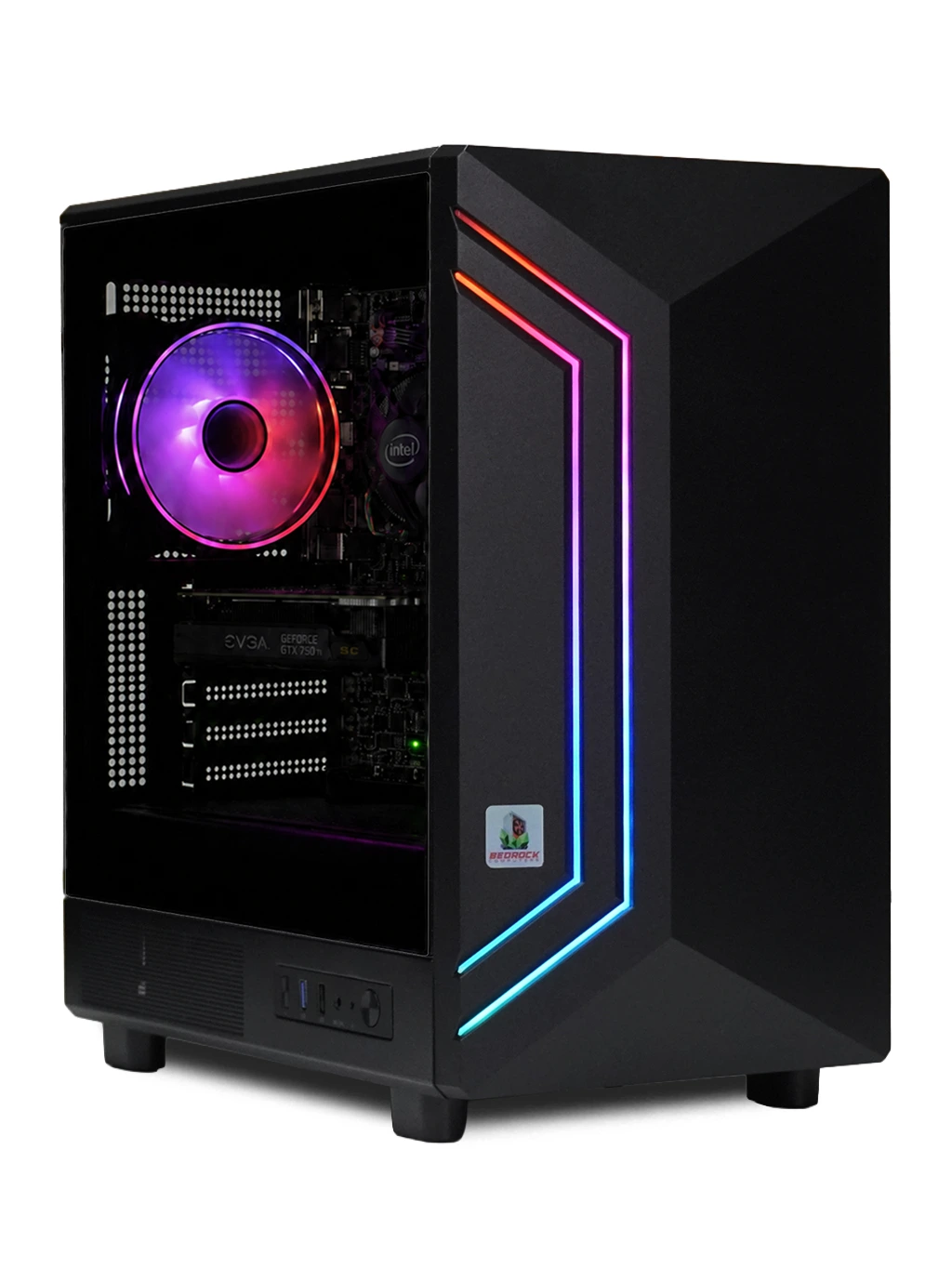
Our budget gaming PCs, from £189 to £595
Here’s the full range in our Budget category, from cheapest to most powerful:
- Entry Level Gaming PC – £189 (was £215). Our cheapest budget gaming PC and a great first machine.
- Starter Gaming PC – £240 (was £275).
- Carbon Gaming PC – £295.
- Bedrock Fluorite Gaming PC – £295, the entry point to our Bedrock range.
- Skyline Gaming PC – £325 (was £350).
- Vector Gaming PC – £350.
- Racing Sim Gaming PC – £365.
- Bedrock Garnet Gaming PC – £450.
- Apache Gaming PC – £525 (was £590).
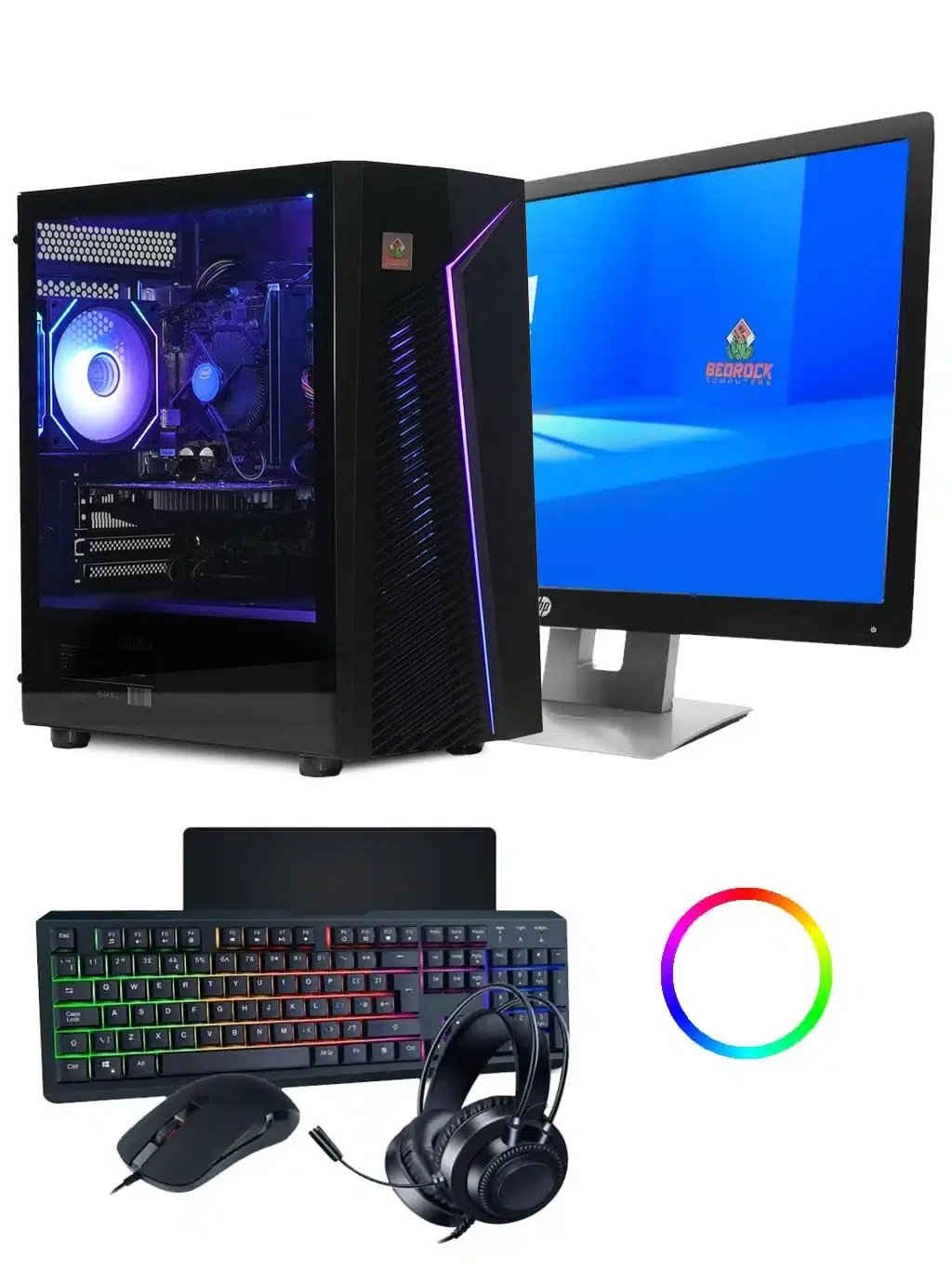
- Budget Gaming PC Bundle – £550 with a 22-inch monitor, keyboard, mouse, headset and mousepad.
- GeForce Gaming PC – £575.
- Bedrock Zircon Gaming PC – £590 (was £640).
- Raptor Gaming PC – £595, with NVIDIA RTX graphics, ray tracing and DLSS.
Prices change from time to time and sale prices are shown in the grid above, so check the product page for the latest figure.
What can a budget gaming PC play?
More than most people expect. As a broad guide:
- Fortnite, Minecraft, Roblox and Rocket League – the core of what every budget gaming PC in our range is built for, at 1080p.
- Valorant, Counter-Strike 2 and League of Legends – competitive esports games that are designed to run fast on modest hardware.
- GTA V and older AAA games – very playable on the upper end of the range, especially the GeForce, Zircon and Raptor.
- The newest AAA releases – playable at lower settings on the top budget machines; for high settings, look at our mid-range and high-end gaming PCs.
Each product page lists the games that PC suits, so you can check before you buy. If you have a specific game in mind, email sales@bundlerigs.co.uk.
How to choose a budget gaming PC
With thirteen options under £600, it helps to know what to look for. Compare these in order:
1. The graphics card
The graphics card has the biggest effect on frame rates. Even on a tight budget, it’s worth stretching for the best graphics card you can afford – that’s why the jump from the cheapest machines to the GeForce, Zircon and Raptor makes such a difference in demanding games.
2. Memory
16GB of memory is the sweet spot. It gives the game room to breathe while Discord, a browser or music run in the background. Lower-cost machines may have less, which is fine for lighter games.
3. Storage
An SSD makes Windows start quickly and cuts loading times. Some of our budget machines pair an SSD with an extra hard drive, which is a cost-effective way to get lots of space for games, photos and videos.
4. The processor
A modern six-core processor is plenty for gaming at this level. For pure gaming, it matters less than the graphics card, so don’t overspend here.
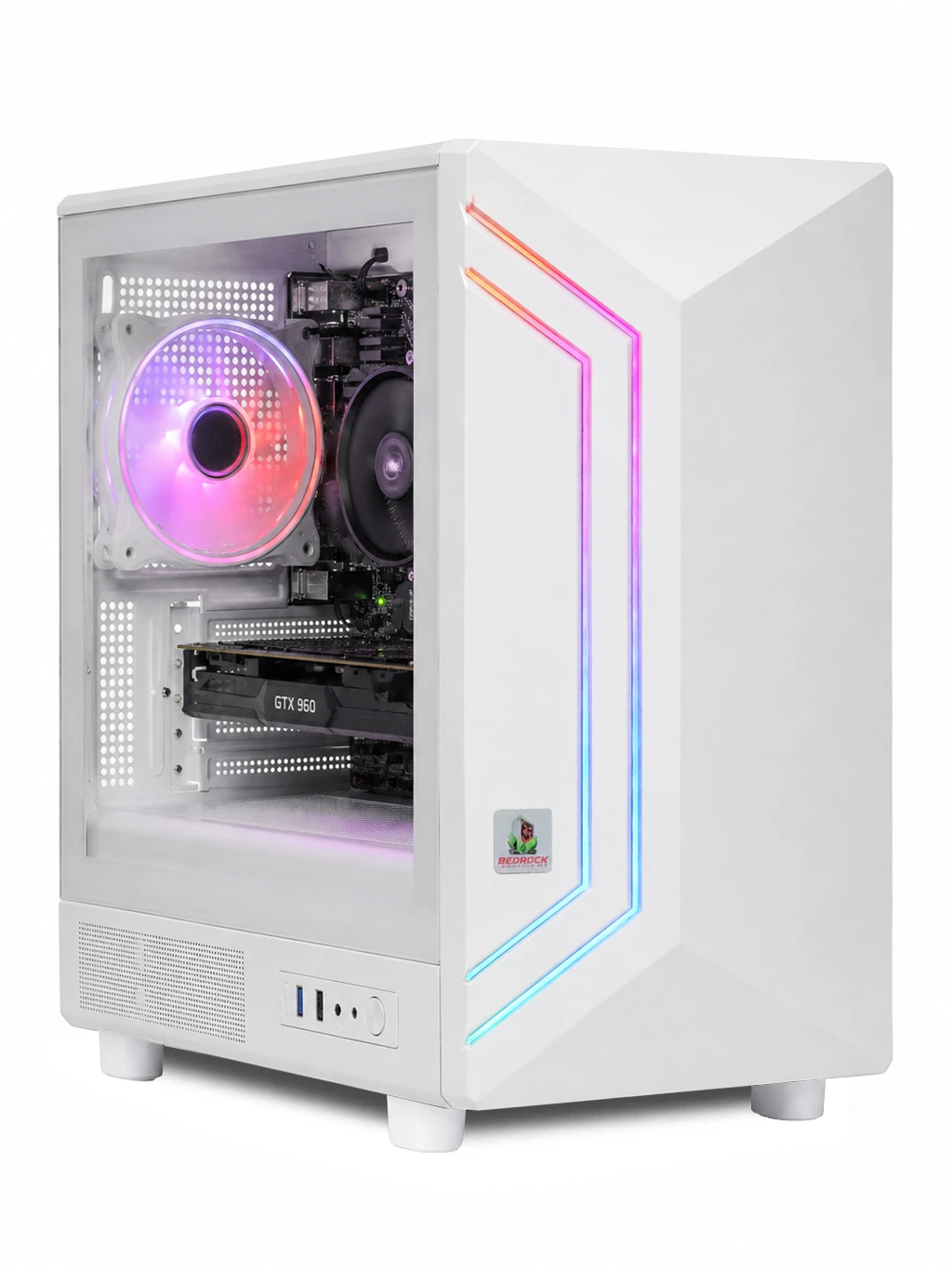
Cheap gaming PC vs games console
Many people weigh up a cheap gaming PC against a console. Both are great, but a budget gaming PC has some real advantages:
- No subscription needed for online play. Most PC games, including Fortnite, Valorant and Rocket League, are free to play online.
- More than games. A PC handles homework, office software, browsing, video calls and creative apps.
- Cheaper games. PC stores such as Steam and the Epic Games Store run frequent sales and regular free games.
- Keyboard, mouse and controller. Play with whichever you prefer – our Marvo wireless controllers are popular for racing and platform games.
A console is simpler for living-room gaming, but if you want one machine for play, school and work, a budget gaming PC is hard to beat.
Budget gaming PC bundle: everything in one order
If you don’t already have a monitor, keyboard, mouse and headset, the cheapest way to get a complete setup is the Budget Gaming PC Bundle at £550. It was put together for younger and first-time gamers and includes a 22-inch Full HD 100Hz monitor, a gaming keyboard, mouse, headset and mousepad, with the monitor cables supplied.
Its 16GB of DDR4 memory gives plenty of room for gaming alongside Discord and browsers, while SSD storage keeps Windows responsive and an extra hard drive provides space for games and files. There’s no separate shopping list and nothing to match up – it all arrives together, ready to plug in.
A budget gaming PC for kids and families
Our budget machines are a popular first PC for children and teenagers. They run the games kids actually play, handle schoolwork, and cost far less than a high-end PC. A few tips for parents:
- Set up a Microsoft family account so you can manage screen time, content ratings and purchases.
- Put the PC in a shared room at first, with the monitor at eye level and a comfortable chair.
- Agree game time and homework time up front – Windows can enforce the limits for you.
- Add a headset with a microphone so they can talk to friends safely, using platform privacy settings.
Quick picks: which budget gaming PC is right for you?
- A first PC for Minecraft and Roblox – the Entry Level (£189) or Starter (£240) keeps costs right down.
- Fortnite and Rocket League with friends – the Carbon, Skyline or Vector give a comfortable step up.
- Racing games with a wheel or pad – the Racing Sim Gaming PC (£365) is named for exactly that.
- The most performance under £600 – the GeForce (£575), Bedrock Zircon (£590) or RTX-powered Raptor (£595).
- Everything in one box – the Budget Gaming PC Bundle (£550) with monitor, keyboard, mouse, headset and mousepad.
Budget gaming PC or gaming laptop?
At the same price, a budget gaming PC usually beats a gaming laptop on performance, because desktop parts have more room to stay cool and run at full speed. Desktops are also easier to clean, repair and upgrade, and you can choose the size of monitor you want.
A laptop makes sense if you need to carry it to school or work every day. If the PC will live on a desk at home, a desktop gives you more gaming for your money – and our free tracked delivery means it arrives ready to plug in.
Setting up your first gaming PC
If this is your first PC, setting up takes about half an hour:
- Unbox the PC and monitor, and keep the packaging for a few weeks.
- Connect the monitor to the graphics card with the supplied cable, then plug in the keyboard, mouse and headset.
- Switch on, follow the Windows setup and connect to your Wi-Fi or network cable.
- Run Windows Update and the graphics driver update.
- Install Steam, the Epic Games Store or your favourite launcher, sign in and start downloading games.
Stuck at any point? Email sales@bundlerigs.co.uk with your order number and we’ll talk you through it, Monday to Saturday, 9am to 6pm.
Ready to choose? Scroll back up to the grid to compare every budget gaming PC side by side.
Getting the most from a budget gaming PC
A few simple settings make a cheap gaming PC feel much faster:
- Connect the monitor to the graphics card, not the motherboard, so games use the graphics card.
- Set your monitor’s refresh rate to its maximum in Windows display settings – for example 100Hz on the Budget bundle’s monitor.
- Update your graphics driver as soon as the PC is set up; new drivers often improve performance in recent games.
- Use the in-game presets. Start at Medium, check your frame rate, then raise settings one at a time.
- Turn on upscaling where available – DLSS on RTX cards, or the FSR option many games offer – for extra frames.
- Close background apps you don’t need while playing.
Is a cheap gaming PC worth it?
If you mainly play popular free-to-play and esports games, absolutely. A budget gaming PC delivers smooth 1080p gameplay in those titles and does everything else a family computer needs. You’ll only feel the limits in the newest, most demanding AAA games at high settings – and if those are your priority, our prebuilt gaming PCs above £600 are the better fit.
Every budget gaming PC we sell is still built, tested and covered by the same 3-year parts and labour warranty as our most expensive machines, so you’re not compromising on support.
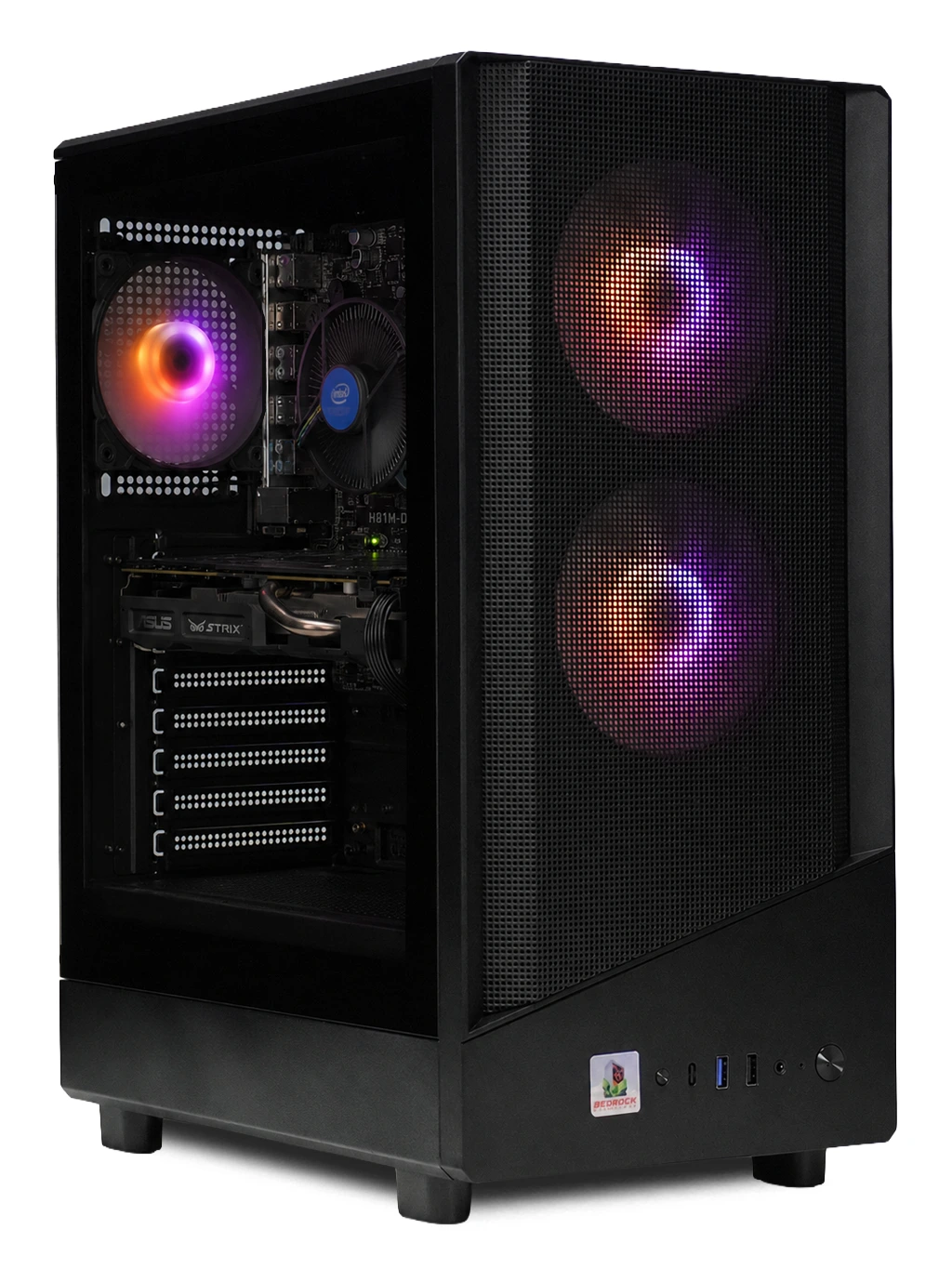
Pair it with the right monitor and accessories
A budget gaming PC is happiest with a 1080p monitor. Our gaming PC accessories include the Dahua 22″ 100Hz (£75) and the AOC 24″ 100Hz (£99) monitors, plus keyboards from £7, gaming mice from £15 and mousepads from £15. Accessories ordered with a PC ship free in the same delivery.
If you’d rather not choose each item, the CiT Raptor (£35) and Bedrock (£45) peripheral bundles combine the essentials in one box.
Delivery, warranty and returns
- Built, tested and dispatched in 2–3 working days
- Free tracked UK delivery with Parcelforce – 2 working days after dispatch on the mainland, 3–5 to the Highlands, Islands and Northern Ireland
- Next working day delivery for £14.99
- 3-year parts and labour warranty
- 14 days to cancel from the day of delivery, then another 14 days to send items back
Full details: delivery, returns and warranty. Your statutory rights are explained by Citizens Advice.
Running costs
Budget gaming PCs use less power than high-end machines, because their graphics cards and processors draw less electricity under load. That means lower running costs over the life of the PC, less heat in the room and quieter fans.
To keep bills down, let Windows put the PC to sleep when it’s idle, switch the monitor off at night, and use a surge-protected extension lead with a switch so everything can be turned off together.
Setting up a comfortable gaming space
Comfort makes long sessions more enjoyable, whatever you spend on the PC itself:
- Place the monitor about an arm’s length away, with the top of the screen at or slightly below eye level.
- Use a chair that supports your lower back, with your feet flat on the floor.
- Keep the keyboard and mouse at elbow height so your wrists stay straight – a large mousepad helps.
- Leave space around the PC for airflow, and keep it off thick carpet so the vents stay clear.
- Take a short break every hour to rest your eyes and stretch.
A good setup costs very little and makes any budget gaming PC feel better to use every day.
Great free games for a new gaming PC
One of the best things about PC gaming on a budget is how many brilliant games cost nothing to play. Here are some favourites that run well on modest hardware:
- Fortnite – the battle royale that also includes building, creative modes and LEGO Fortnite.
- Rocket League – fast, chaotic car football that’s easy to learn and hard to master.
- Valorant – a tactical team shooter designed to run smoothly on a wide range of PCs.
- Counter-Strike 2 – the classic competitive shooter, free to play on Steam.
- League of Legends – one of the most popular team strategy games in the world.
- Apex Legends – a squad-based battle royale with distinctive characters.
- Warframe – a co-operative sci-fi action game with years of content.
Minecraft and Roblox are also hugely popular on PC. Add a few of these to your launcher on day one and your new machine will have plenty to play before you spend a penny on games. Many of them also support cross-play, so you can team up with friends on consoles and other PCs.
Mistakes to avoid on a budget
- Chasing the lowest price only. A few pounds more can buy a noticeably better graphics card – compare the GeForce, Zircon and Raptor before deciding.
- Ignoring the monitor. A 100Hz screen makes even a cheap gaming PC feel smoother than a basic 60Hz display.
- Forgetting peripherals. If you need a keyboard, mouse and headset too, the £550 bundle can work out simpler than buying separately.
- Buying for games you don’t play. If your favourites are Fortnite and Minecraft, you don’t need a flagship machine.
Thinking about upgrades later?
One advantage of a desktop PC over a console is that it can grow with you. Memory and storage are usually the simplest upgrades, and a graphics card upgrade can give a budget gaming PC a big boost in newer games. Before you buy parts, email sales@bundlerigs.co.uk with your order number and we’ll check what fits your machine.
Budget gaming PC jargon, explained
- 1080p – Full HD resolution, the standard for budget gaming.
- FPS – frames per second; 60 is smooth, higher is smoother if your monitor supports it.
- Hz – a monitor’s refresh rate; a 100Hz monitor can show up to 100 frames per second.
- SSD – fast storage that makes Windows and games load quickly.
- DDR4 – the type of memory used in many budget PCs.
- Ray tracing and DLSS – NVIDIA RTX features for realistic lighting and higher frame rates, available on the Raptor.
Budget gaming PC FAQ
What is the cheapest gaming PC you sell?
The Entry Level Gaming PC at £189 (was £215). It’s a great first PC for Minecraft, Roblox and Fortnite at 1080p.
What is the best budget gaming PC under £600?
For the most gaming performance under £600, look at the top of the range: the GeForce (£575), Bedrock Zircon (£590) and Raptor (£595). The Raptor adds NVIDIA RTX graphics with ray tracing and DLSS. If you need a monitor and peripherals too, the Budget Gaming PC Bundle (£550) is the best value complete setup.
Can a budget gaming PC run Fortnite?
Yes. Every budget gaming PC in our range runs Fortnite at 1080p, and the higher-end models give higher frame rates for competitive play.
Does a cheap gaming PC come with Windows?
Check the specification on each product page, which lists exactly what’s included.
Do budget gaming PCs get the same warranty?
Yes – every gaming PC, including our cheapest, has a 3-year parts and labour warranty.
How fast is delivery?
Built, tested and dispatched in 2–3 working days, then delivered free in 2 working days on the UK mainland, or 3–5 to the Highlands, Islands and Northern Ireland.
Can I return it if it’s not right?
Yes. You have 14 days to cancel from delivery, then another 14 days to send it back. We refund within 14 days of receiving it, including the original standard delivery cost. Return postage is paid by you unless it’s faulty.